Register for Plentina using the Plentina app.
Complete your registration by submitting a selfie and a photo of your government ID.
Wait for your registration to be approved. You’ll receive a push notification when your Plentina application has been approved.
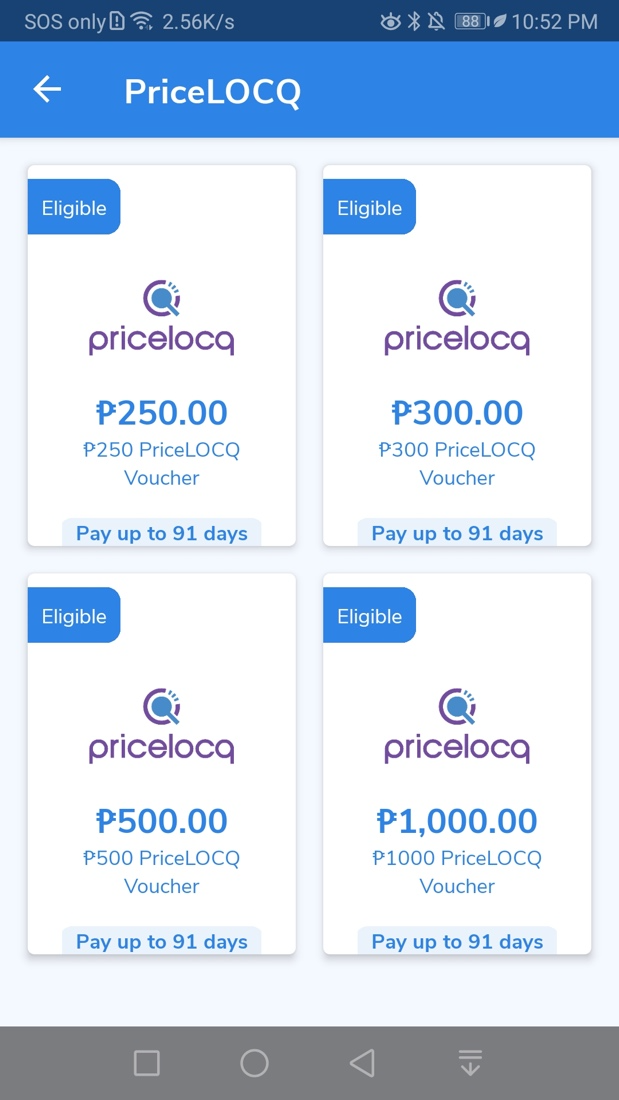
Select your desired loan.
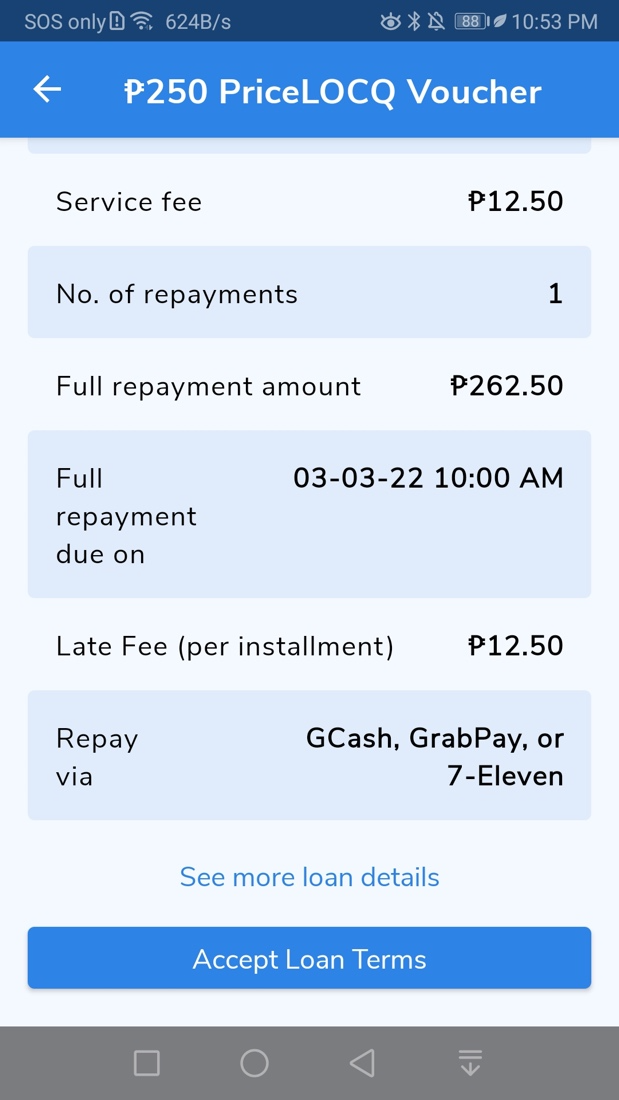
Review and accept the loan terms for the offer to receive your voucher code.
Use your Plentina voucher to shop with PriceLOCQ.
Go to the Vouchers page on PriceLOCQ and enter the voucher code from the Plentina app, then click “Use.” The value of the voucher will now be added to your LOCQPay Balance.
You can now use your LOCQPay Balance to pay for fuel or any other PriceLOCQ-supported products & services.
Was this article helpful?
That’s Great!
Thank you for your feedback
Sorry! We couldn't be helpful
Thank you for your feedback
Feedback sent
We appreciate your effort and will try to fix the article