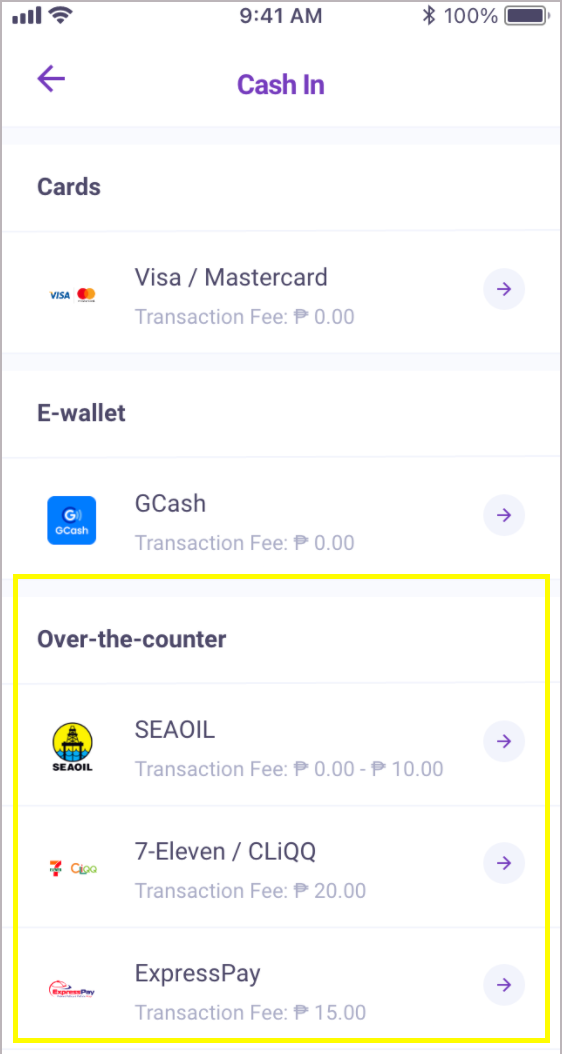
Go to the Cash In page and select your preferred over-the-counter merchant.
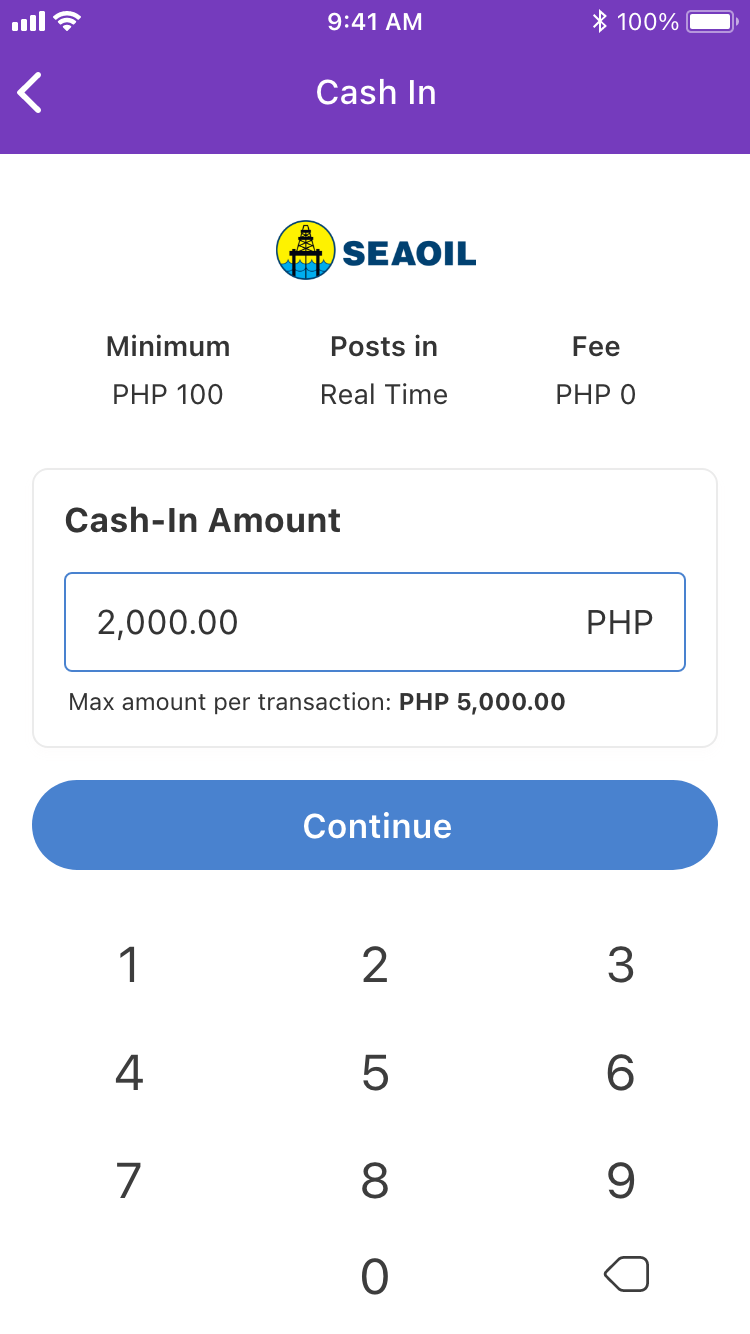
Input your desired cash in amount. The minimum cash in amount is ₱100.00.
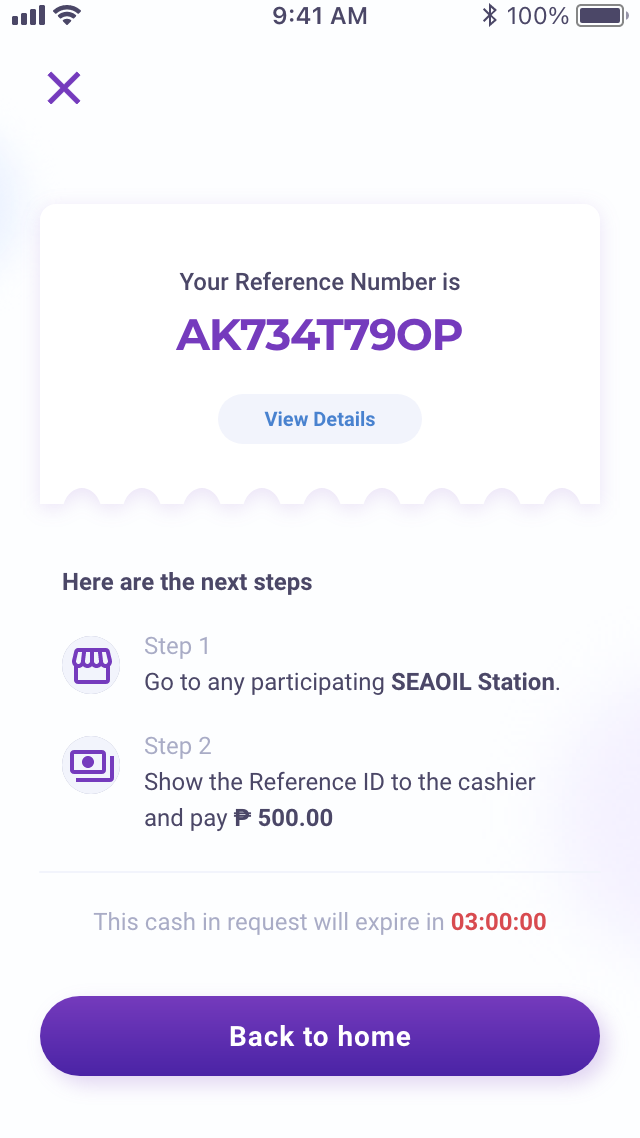
Follow each step as directed and take note of the Reference ID being shown in the app. You will be presenting this Reference ID along with your cash payment to the over-the-counter merchant of your choice.
If the transaction is successful, your cash in will reflect in your LOCQPay Balance in a few minutes and appear on the Transaction History page of the app.
Was this article helpful?
That’s Great!
Thank you for your feedback
Sorry! We couldn't be helpful
Thank you for your feedback
Feedback sent
We appreciate your effort and will try to fix the article