Register for BillEase using the BillEase app.
Sign up for BillEase here.
For the initial sign-up, BillEase will need you to fill out the form and submit your ID. You’ll know if you’re approved in less than 5 minutes.
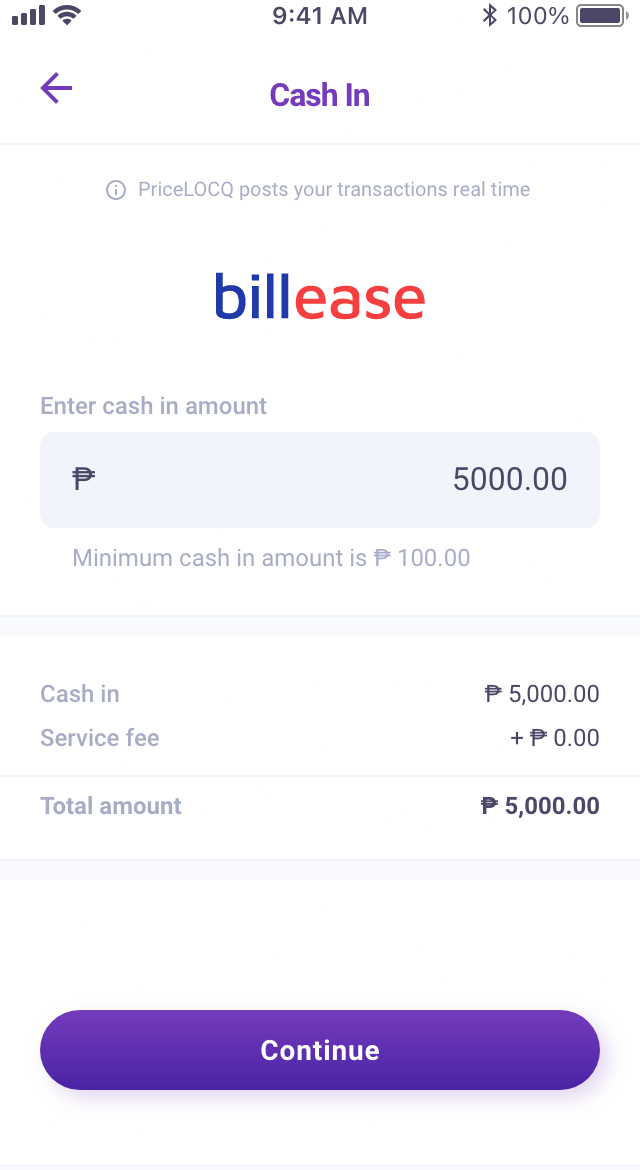
Once approved, go to the Cash In page on PriceLOCQ and enter your desired cash in amount.
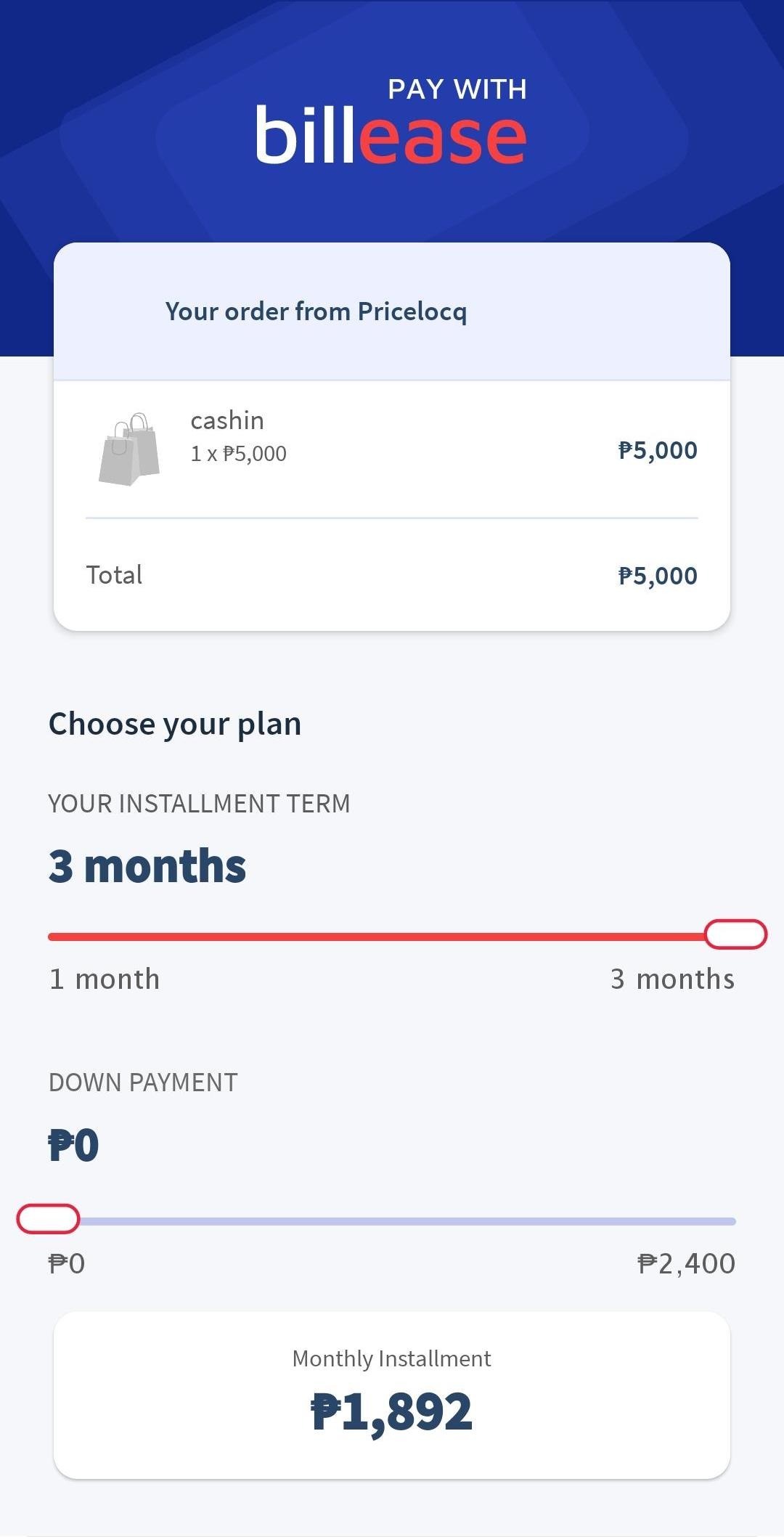
Set your desired loan terms.
You will be redirected to the checkout page on the BillEase app where you can set your desired installment term and down payment amount.
After this, you may proceed with your checkout.
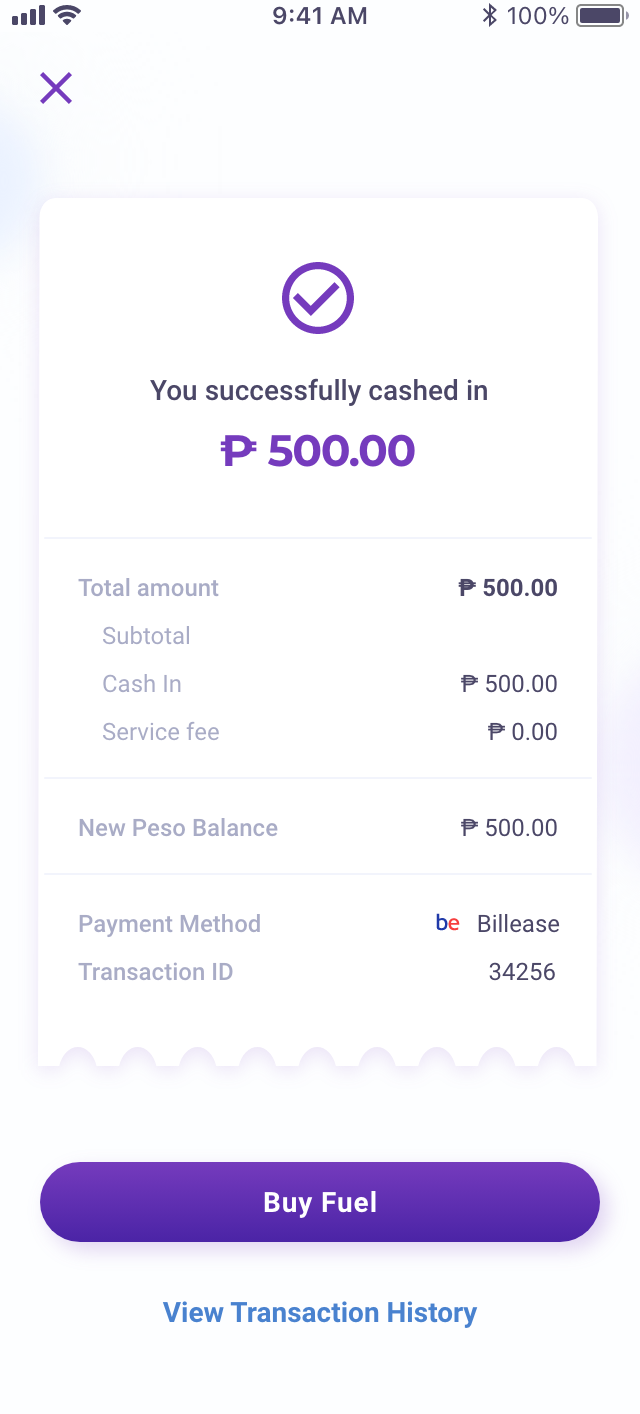
Check your LOCQPay Balance to see that the cashed in amount is reflected.
You can now use your LOCQPay Balance to pay for fuel or any other PriceLOCQ-supported products & services.
Was this article helpful?
That’s Great!
Thank you for your feedback
Sorry! We couldn't be helpful
Thank you for your feedback
Feedback sent
We appreciate your effort and will try to fix the article