There are 2 ways you can save your RFID account on PriceLOCQ.
Option 1: Top-up your RFID account and toggle on the "Save RFID account for future top-ups" option.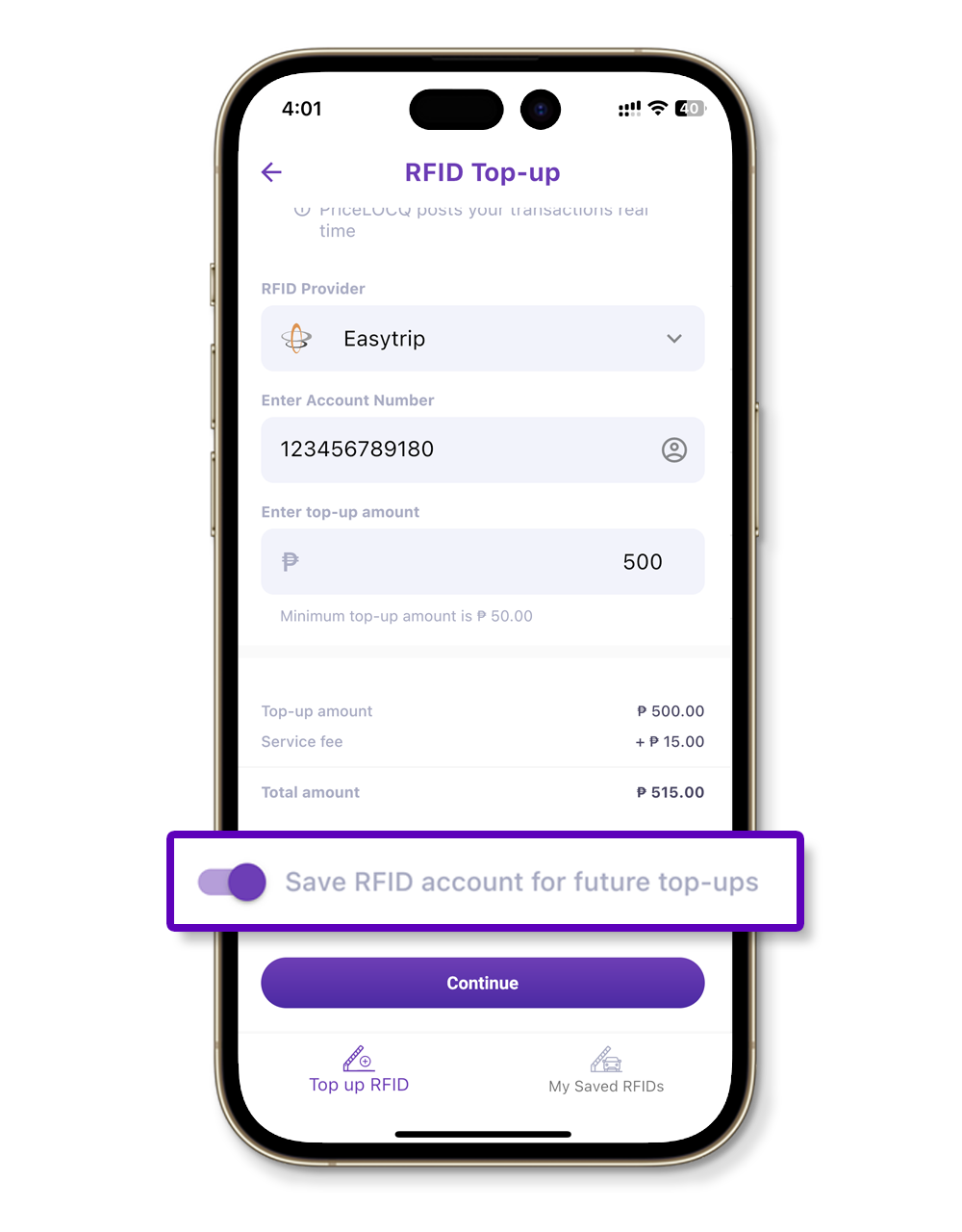
Option 2: Go to the "My Saved RFIDs" tab from the bottom of the Toll Payment page and click "Add RFID Account".
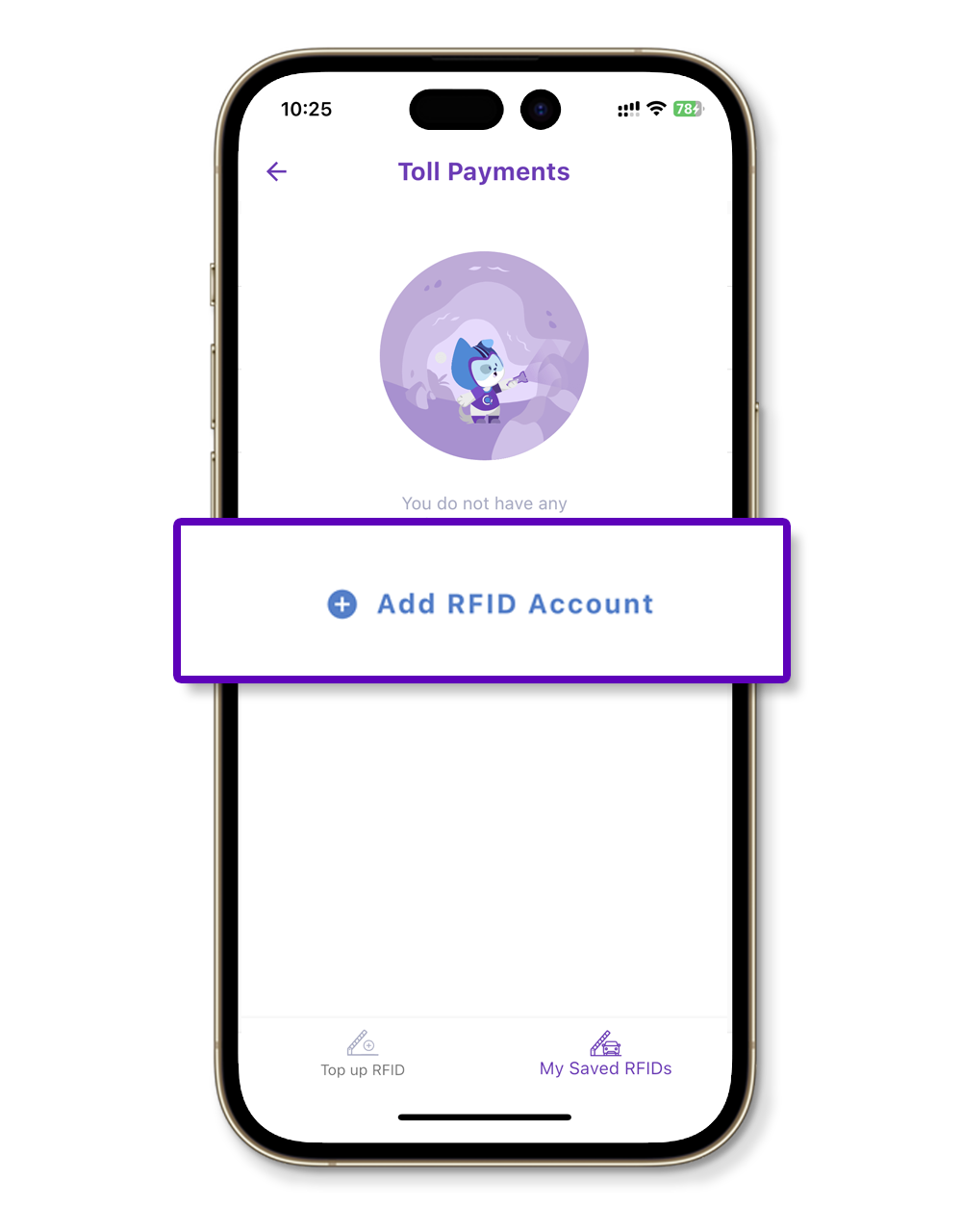
You may also edit, rearrange, and remove your RFID accounts as you please.
Was this article helpful?
That’s Great!
Thank you for your feedback
Sorry! We couldn't be helpful
Thank you for your feedback
Feedback sent
We appreciate your effort and will try to fix the article