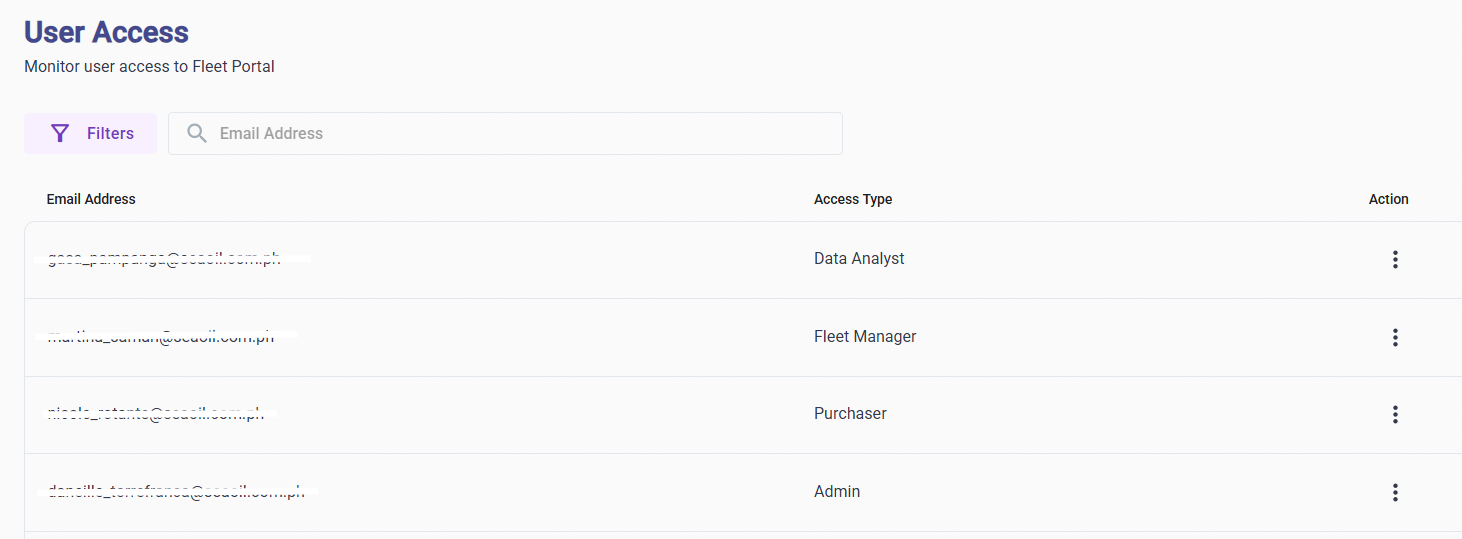
- Admin – Full access to all pages and features in the Fleet Portal.
- Purchaser – Access to Cash In and Buy Fuel pages only.
- Data Analyst – Access to view and export reports for Cash In, Fleet Network, and Redemptions.
- Fleet Manager – Access to all pages except Cash In, Buy Fuel, and Access Authorization.
Was this article helpful?
That’s Great!
Thank you for your feedback
Sorry! We couldn't be helpful
Thank you for your feedback
Feedback sent
We appreciate your effort and will try to fix the article